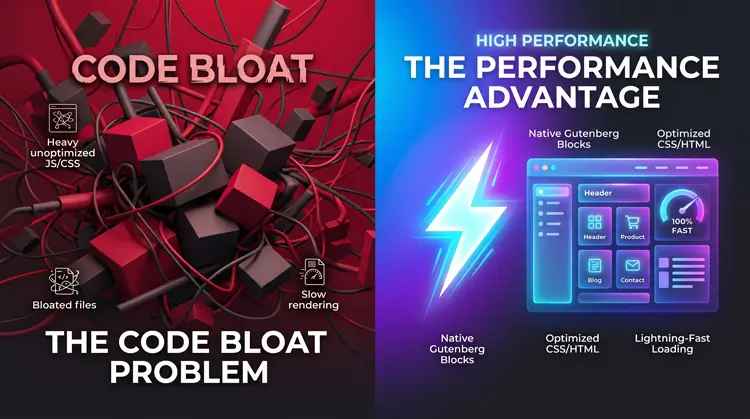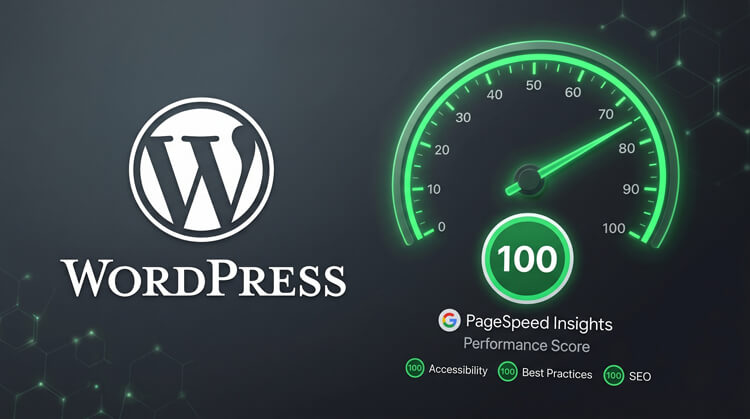
How to Master Kadence Custom Web Development (2026)
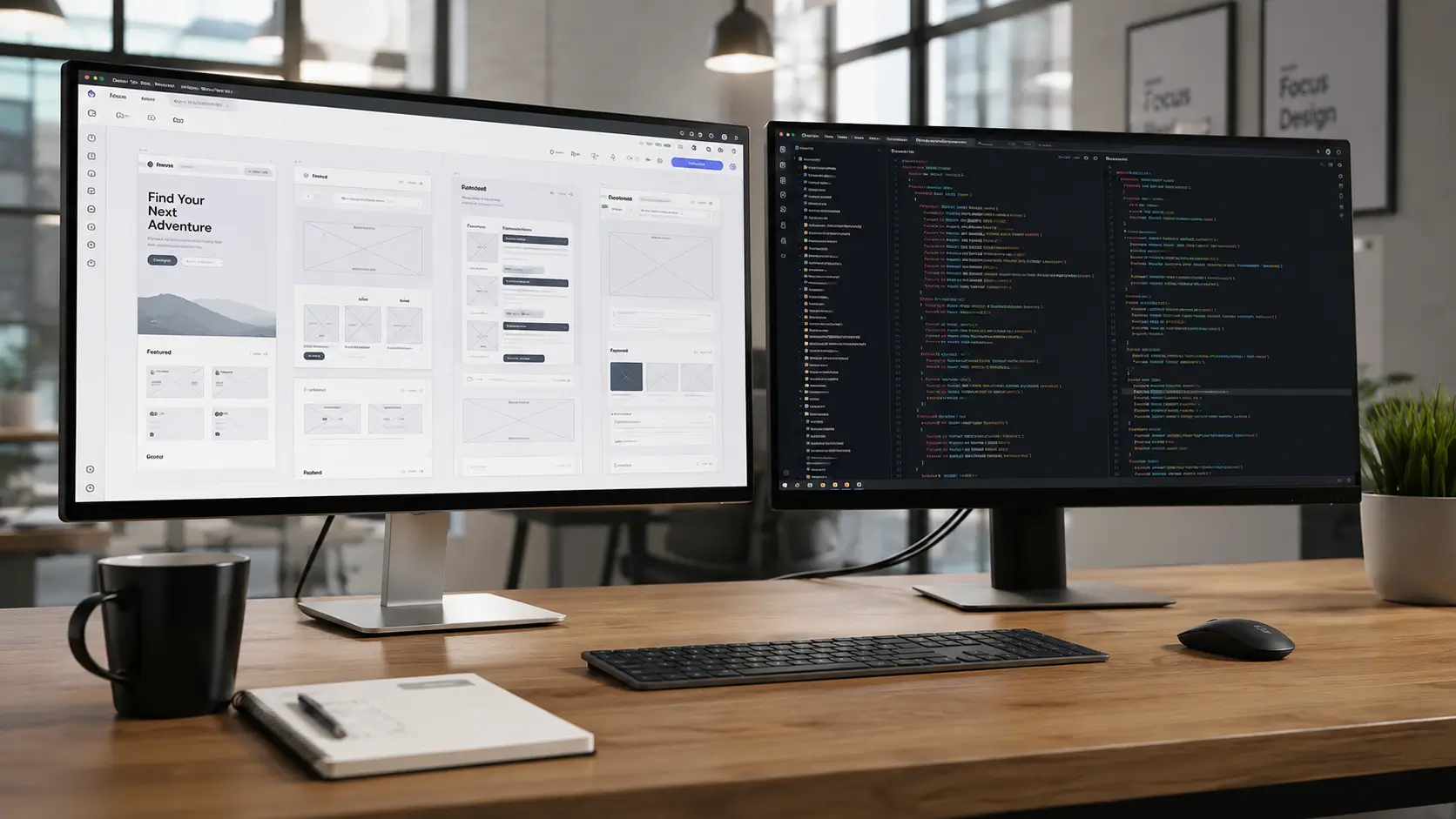
Mastering custom web development in 2026 means leaving bloated, heavy page builders in the past. The industry has moved toward native Gutenberg architecture, and the Kadence theme is currently the sharpest tool available for the job.
Building websites today requires more than just slapping a pre-made template onto a domain. It requires engineering clean, dynamic, and incredibly fast user experiences. This guide breaks down the exact workflow used by top-tier professionals to build scalable, high-performance sites.
Quick Answer: How do you master Kadence for custom builds?
To master Kadence for custom web development, you need to stop designing individual pages and start building global systems. By combining the native Kadence Theme with Kadence Blocks Pro, you can create dynamic web applications that load instantly.
- Set up a Global Design System: Lock in your fonts and colors in the WordPress Customizer first.
- Map Dynamic Content: Use Kadence Elements and Advanced Custom Fields (ACF) to pull database information visually.
- Reuse Your Work: Deploy Kadence Cloud to host and reuse your custom block structures across different projects.
- Focus on Performance: Take advantage of the framework’s intelligent asset loading to pass Core Web Vitals.
Table of Contents
1. Master the Kadence Global Design System
The biggest mistake beginners make is styling elements directly on the page. If you manually change a button’s color to blue on your homepage, you have to manually change it again if the client later decides they want a green brand identity.
You control the foundation of the site natively through the WordPress Customizer. This approach ensures global consistency and saves hundreds of hours in revisions.
Configure Your Global Color Palette
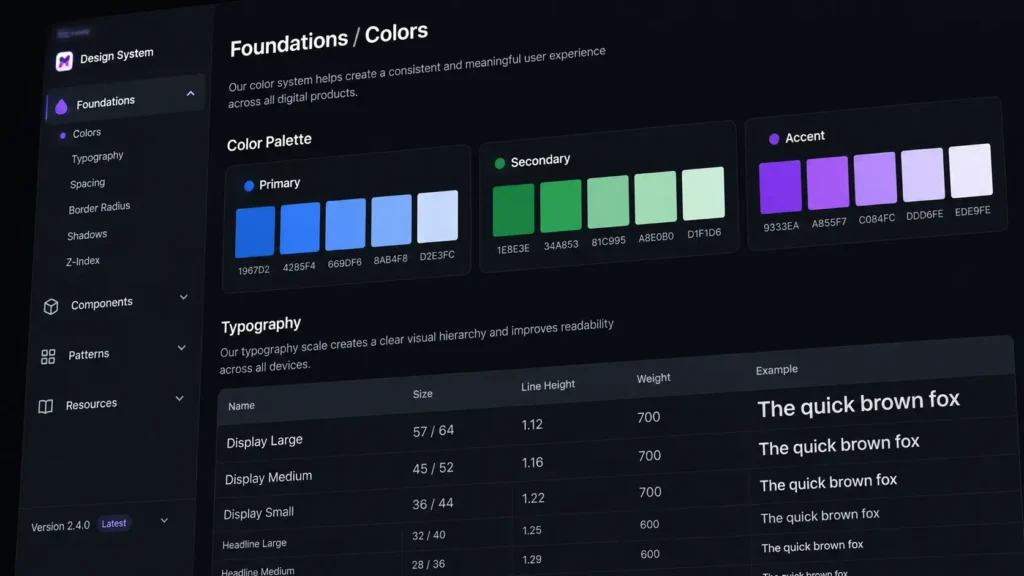
Kadence gives you a powerful global color palette. You define your Primary, Secondary, and Accent colors exactly once. The system is smart enough to auto-generate complementary shades for hover states, subtle backgrounds, and text contrast. If a client updates their logo a year from now, you change two colors in the Customizer, and the entire website updates instantly.
Set Fluid Typography Rules
Typography should never be fixed. Establish fluid font pairings that automatically scale across desktop, tablet, and mobile breakpoints. You can set minimum and maximum font sizes that respond natively to screen dimensions, ensuring your site remains legible on an iPhone or a massive 4K monitor.
Leverage Theme Hooks
Use Kadence Custom Hooks to inject scripts or design elements into precise areas of the website. This keeps your core theme files totally clean. Instead of digging into a child theme to add Google Analytics or a seasonal sales banner, you just hook it into the wp_head or before_header location visually.
2. Advanced Custom Web Development with Kadence Elements
Stop writing heavy PHP templates from scratch. Kadence Elements completely changes the game by allowing you to build dynamic hook templates visually right inside the Gutenberg editor.
This is where true custom web development transitions from building static brochures to engineering highly functional, data-driven web applications.
Building Dynamic Hooked Templates
With Kadence Elements, you design a layout once and assign it globally. You can build custom 404 pages, bespoke blog archives, or unique footer layouts. Better yet, you can display these templates conditionally. You might want to show a specific promotional hero banner only to users who are logged in, or display a unique call-to-action only on posts categorized as “Services.”
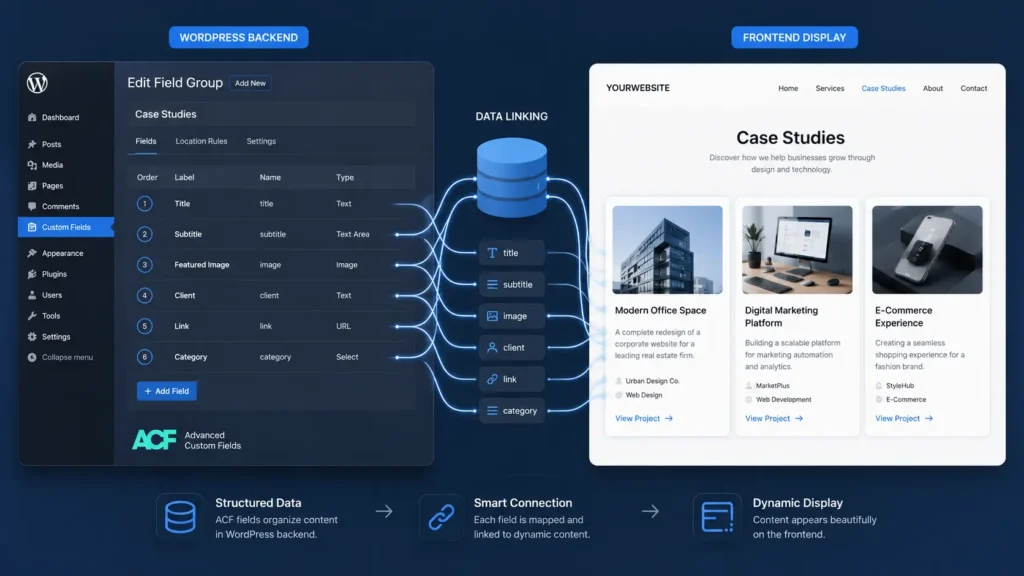
Integrating ACF and Custom Post Types
Standard WordPress pages and posts are rarely enough for a complex build. For example, if you are building a cinematic portfolio for a documentary director, you don’t want a generic blog post layout. You need a bespoke Custom Post Type tailored specifically to video content, director’s notes, and film festival awards.
You pair Advanced Custom Fields (ACF) Pro with your Custom Post Type. From there, Kadence Blocks Pro natively reads that ACF data. You can use the Advanced Query Loop Block to display those film projects in a beautiful grid, completely pulling the data dynamically without writing a single line of database query code.
3. Build Bespoke Custom Blocks with ACF
Even with a massive library of standard blocks, you will eventually hit a wall where a client needs something highly specific. In the past, you had to write complex React.js code to build a native Gutenberg block. Today, you can bypass that completely.
Effective custom web development means mapping complex backend functionality to a foolproof frontend interface. Your clients should never have to touch a line of code to update their own website.
The ACF Block Mapping Workflow
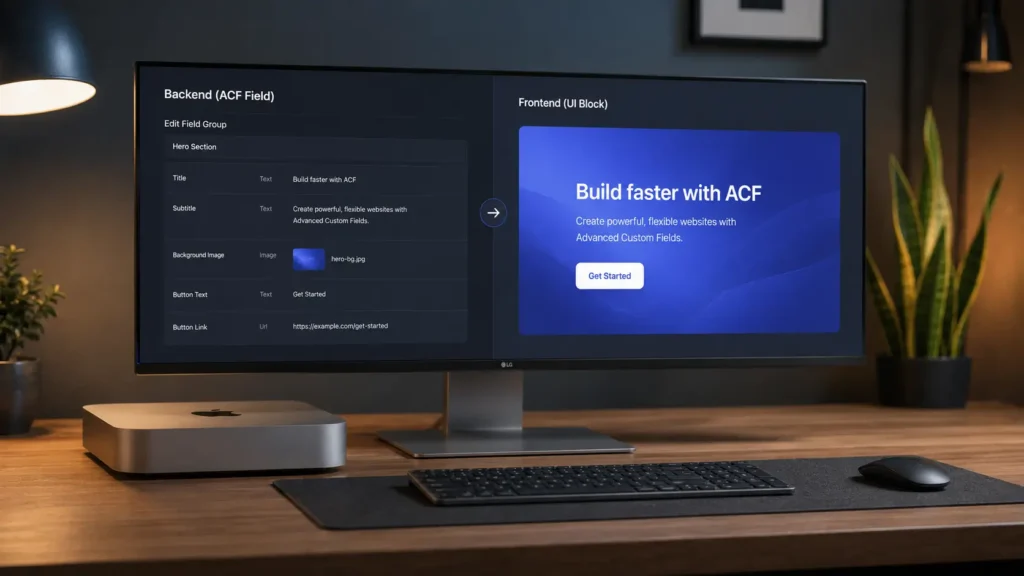
You can map standard Kadence row layouts directly to ACF block UI elements. You design the beautiful frontend layout using Kadence blocks, but the data input is handled entirely by strict ACF form fields on the backend.
This delivers incredible functionality while keeping the editor interface completely idiot-proof. Content editors simply fill out a form field labeled “Project Title” or “Upload Thumbnail,” and your custom Kadence block renders the design perfectly on the front end every single time.
4. Optimize the Drag-and-Drop Header & Footer Builder
Navigation dictates how users flow through your site, and Kadence removes the need to install third-party header plugins that bog down your load times. The native header and footer builder is highly visual, fully responsive, and built for speed.
Experienced custom web development teams know that a desktop menu rarely translates well to a phone screen.
Designing for Desktop vs. Mobile
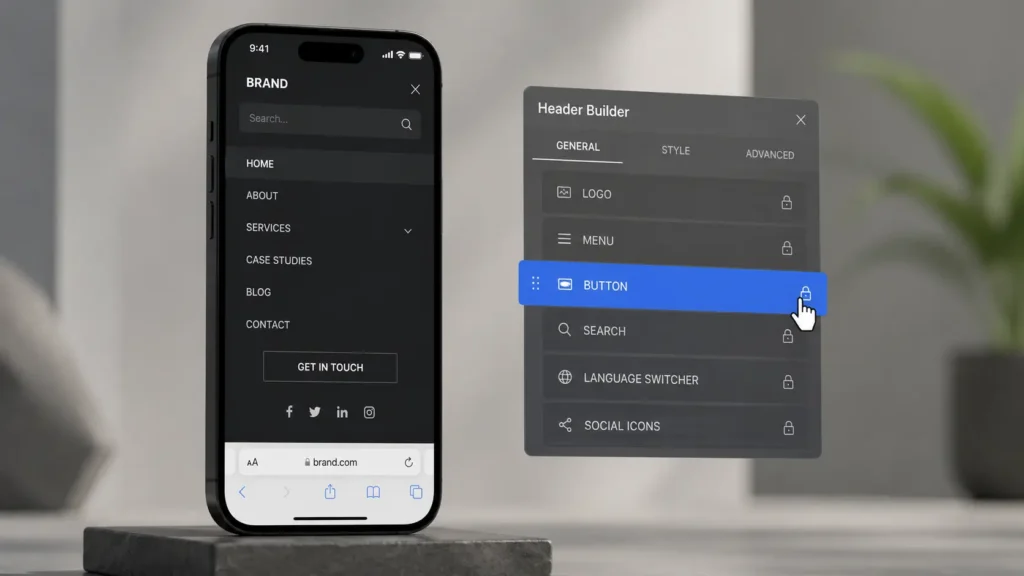
Construct entirely distinct layouts for different devices. A massive multi-column mega menu looks great on a laptop but is a nightmare on mobile. With the native builder, you can hide heavy elements like complex search bars, secondary navigation rows, or social media icons specifically on mobile devices. This simple step drastically improves your Core Web Vitals and prevents mobile users from bouncing.
Using Conditional Header Routing
You can assign transparent or sticky headers to specific pages across the site. This feature is absolutely perfect for high-converting landing pages where you want to remove all standard navigation links to keep the user focused on the main call-to-action. You can also build a simplified “checkout header” specifically for WooCommerce pages to lower your cart abandonment rates.
5. Extend Functionality with the Kadence Ecosystem
Scaling your agency or freelance business requires locking down a reliable software stack. The official ecosystem of add-ons eliminates the need for patching together dozens of third-party plugins that eventually conflict with one another.
Replacing Bloat with Native Power
Ditch the heavy third-party plugins. By upgrading to Kadence Blocks Pro, you instantly unlock dynamic SVG icons, smooth scroll animations, and the highly versatile Advanced Query Loop block. Instead of installing a separate plugin just to make a popup, use Kadence Conversions. This lets you build Gutenberg-native slide-ins and notification banners that do not trigger annoying layout shifts.
Scaling with Kadence Cloud

This is the ultimate tool for scaling your output. Kadence Cloud allows you to host your own private server of custom block designs and wireframes. When you start a new project, you just connect to your own cloud and pull in your proven layouts. Deploying your saved assets across multiple client sites instantly cuts your initial build time in half.
6. Performance Benchmarks & Maintenance
Speed is no longer just a nice bonus; it is a critical ranking factor for Google and Bing. If your site is slow, your content will not rank.
In 2026, successful custom web development relies heavily on intelligent asset loading and strict coding standards.
Intelligent Asset Loading
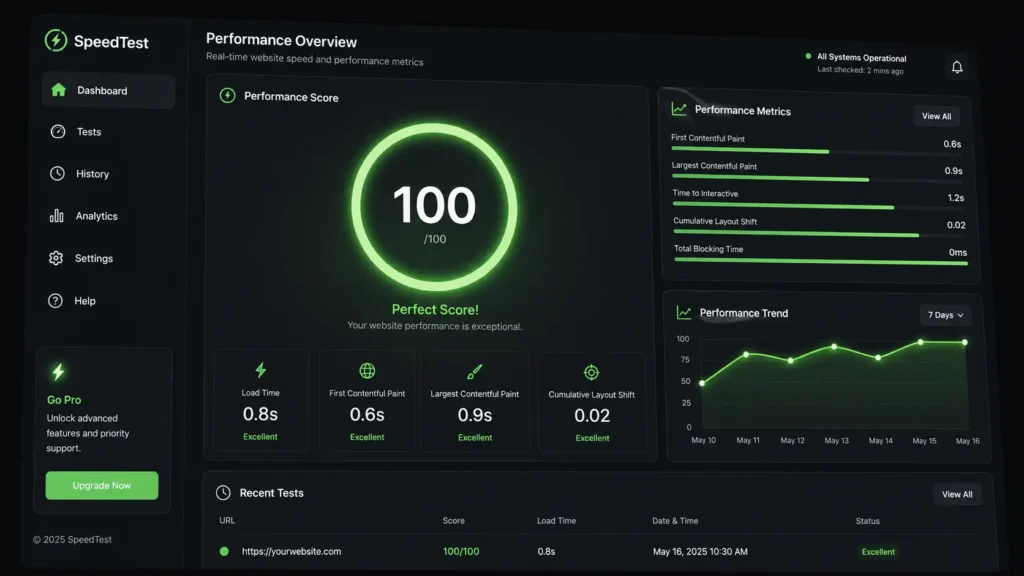
Unlike older themes that load massive CSS stylesheets across the entire site, Kadence is engineered to only load the CSS and JavaScript for the exact blocks present on that specific page. The rest of the framework remains dormant. Performance audits consistently show that a clean install loads under 400 KB of assets.
Locking Down the Build for Clients
The final step of any professional build is client-proofing the website. Kadence allows you to enforce strict block permissions before you hand over the keys. You can lock specific block settings so that content editors can update text paragraphs and swap out photos, but they are physically unable to accidentally delete a grid layout, change global brand colors, or break the mobile padding.
FAQs
Conclusion
Modern custom web development isn’t about writing every line of code from scratch; it is about working smarter and utilizing native architecture. By combining the Kadence Theme with ACF and your own Kadence Cloud, you can build enterprise-grade, blazing-fast websites in record time. Transition to this Gutenberg-native stack to future-proof your projects and easily dominate search engine performance metrics.
Ready to start building?
Map out your custom post types today and set up your first Kadence global design system to see the speed difference for yourself.