Best 2026 Guide: How to choose a WordPress theme

Figuring out exactly how to choose a WordPress theme is the most critical decision for your new 2026 website. It is the foundation upon which your entire digital presence is built.
The direct answer is straightforward, yet often overlooked: you must prioritize lightweight code, native block editor (Gutenberg) compatibility, and true mobile responsiveness over flashy, bloated demo designs. A poor theme choice will actively harm your Google rankings, frustrate your users, and slow down your site’s loading speed to a crawl. Conversely, a smart choice provides a fast, secure, and easily scalable foundation that grows with your business.
This guide strips away the confusion, ignores the marketing hype, and shows you the exact, data-driven criteria for how to choose a WordPress theme that search engines and users actually reward.
Table of Contents
- The Foundation: Why Your Theme Matters
- Core Criteria: How to Choose a WordPress Theme in 2026
- The Great Debate: Free vs. Premium Themes
- Popular 2026 Theme Choices (The Lightweight Champions)
- Step-by-Step Action Plan: How to Choose a WordPress Theme
- Common Beginner Mistakes to Avoid
- Conclusion
- References & Further Reading
The Foundation: Why Your Theme Matters
When you finally learn how to choose a WordPress theme, you realize that a theme is not just about colors and fonts. It is the architectural blueprint of your website. Your theme dictates how your database queries are structured, how your scripts load in the browser, and how search engine crawlers interpret your content.
If you choose a theme packed with hundreds of features you will never use, you are forcing your visitors to download megabytes of useless code. This results in terrible Core Web Vitals scores, high bounce rates, and lost revenue. In 2026, simplicity, speed, and clean code are the ultimate aesthetic.
Core Criteria: How to Choose a WordPress Theme in 2026
When mastering how to choose a WordPress theme, technical performance must be your absolute top priority. Search engines like Google and AI-driven search platforms favor sites that load instantly and provide seamless, frustration-free user experiences.
1. Performance & Speed (Core Web Vitals)

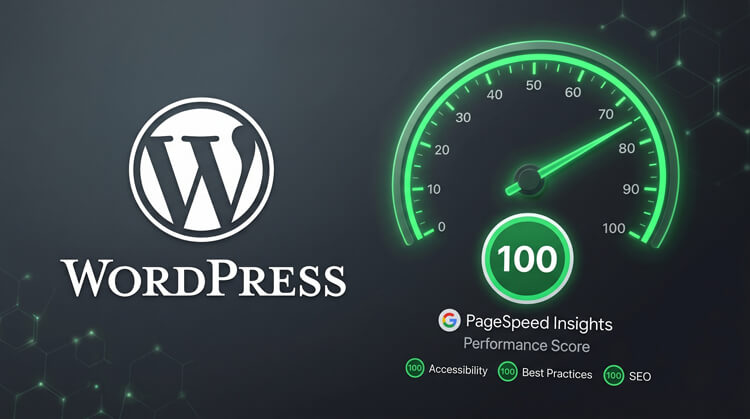
Fast load times are a mandatory, undeniable ranking factor in 2026. When evaluating how to choose a WordPress theme, you must select lightweight options that pass Google’s Core Web Vitals assessment straight out of the box. Bloated themes relying on heavy jQuery or unnecessary JavaScript animations will increase your bounce rate and kill your organic traffic. Always run a theme’s demo URL through tools like Google PageSpeed Insights before hitting the download button.
2. Block Editor & Full Site Editing (FSE)
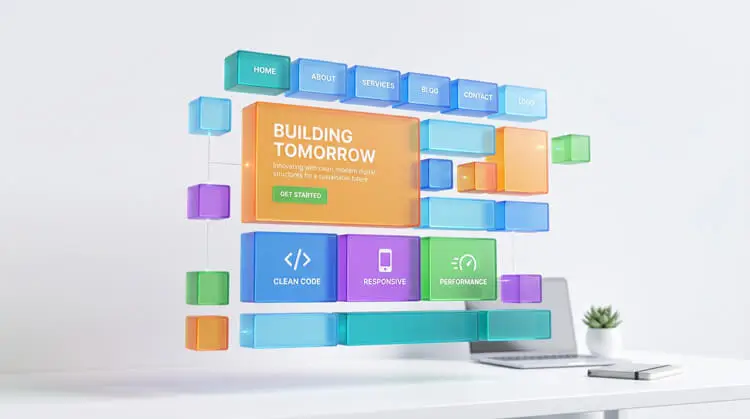
The WordPress ecosystem has completely shifted to the block editor. Your chosen theme must be fully compatible with Gutenberg and modern Full Site Editing (FSE) capabilities. This allows you to visually build your site—including headers, footers, and templates—using native features. Relying on heavy, legacy third-party page builders is becoming a thing of the past for standard content sites.
3. True Mobile Responsiveness
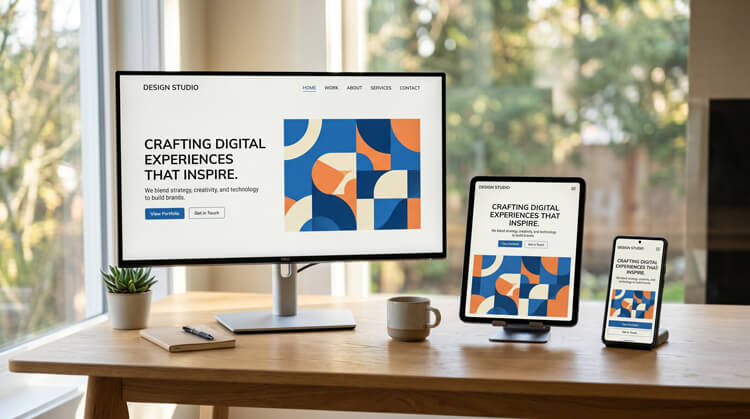
Mobile-first indexing is the absolute standard for all major search engines, making it a critical factor in how to choose a WordPress theme. Data consistently shows that mobile devices generate the vast majority of global website traffic. Your theme must not just “shrink” to fit a screen; it must automatically and flawlessly adapt its navigation, typography, and image sizing to mobile phones, tablets, and desktops.
4. Regular Updates & Developer Support
The secret to how to choose a WordPress theme safely is focusing on developer reputation. You need a theme that receives frequent updates. The digital landscape changes rapidly, and outdated themes are the number one cause of WordPress security vulnerabilities, plugin conflicts, and malware infections. Look for changelogs that show consistent, monthly updates.
5. Deep Plugin Compatibility
Knowing how to choose a WordPress theme effectively requires checking its compatibility with standard industry tools. A great theme stays out of the way and lets plugins do the heavy lifting. Ensure the theme plays nicely with heavy-duty architecture and SEO plugins. Whether you are using WooCommerce for an e-commerce store, JetEngine for dynamic custom post types, or Rank Math for advanced metadata optimization, your theme must be a clean slate that supports these tools without conflicts.
The Great Debate: Free vs. Premium Themes
Truly understanding how to choose a WordPress theme means knowing the difference between free and paid options. Both have distinct places depending on your current business goals, budget, and technical expertise.
Free Themes: The Starting Line
Free themes are excellent for beginners who are just launching a simple blog, learning the WordPress dashboard, or testing out structural ideas.
- Pros: Cost-free, strictly vetted if downloaded from the official repository, great for learning.
- Cons: They often lack advanced customization options, dynamic data integration, and direct, one-on-one developer support.
- Best Practice: Only download free themes directly from the official WordPress Theme Repository (WordPress.org) to guarantee they have passed fundamental security checks.
Premium Themes: The Professional Standard
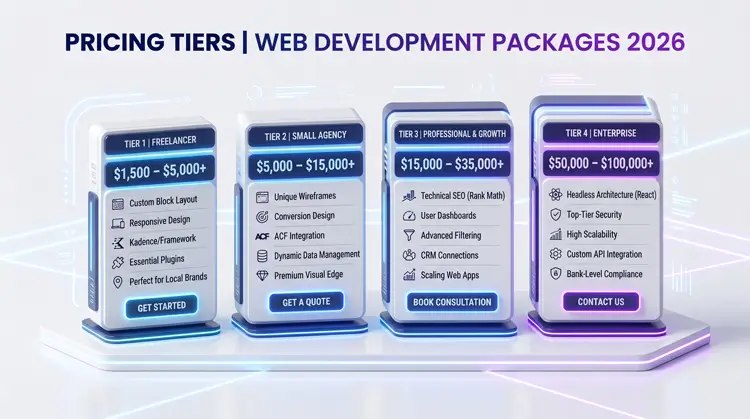
Premium themes generally cost around $60 to $100 per year, or offer lifetime licenses. They are entirely necessary for serious businesses, professional web developers, and client-facing sites.
- Pros: Paying for a theme gives you access to advanced header and footer builders, premium starter templates, granular typography control, and dedicated customer support when things inevitably break.
- Cons: Requires an upfront investment.
- Best Practice: Treat a premium theme as a necessary business expense, much like premium web hosting.
Popular 2026 Theme Choices (The Lightweight Champions)
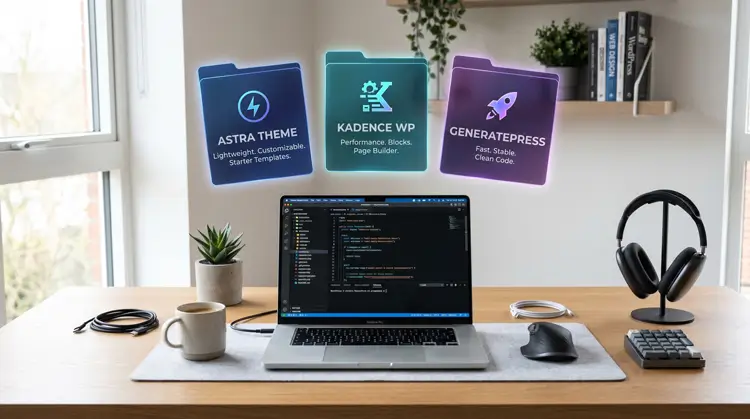
Many beginners ask how to choose a WordPress theme without spending hours testing bad options. Sticking to proven, lightweight champions is the safest strategy for guaranteed SEO performance and scalability.
Astra
Astra remains an absolute industry titan due to its incredibly small file size (requiring less than 50KB of resources) and lightning-fast speeds. It offers a massive library of one-click starter templates tailored to almost every niche imaginable, making it incredibly versatile for both beginners and agencies.
Kadence
Quickly becoming a favorite among professionals who build custom sites, Kadence offers an unparalleled balance of performance and advanced features. It natively embraces the block editor with its companion Kadence Blocks plugin, making it incredibly powerful for building dynamic, complex layouts without the bloat of traditional page builders.
GeneratePress
GeneratePress is highly respected by professional developers and SEO experts for its ultra-clean code, accessibility standards, and unmatched stability. It is arguably the most efficient theme on the market for passing strict Core Web Vitals tests with flying colors.
Default Themes (Twenty Twenty-Five & Twenty Twenty-Six)
The official WordPress default themes are no longer just temporary placeholders. They are currently the absolute best choices for mastering the native Gutenberg block editor and learning the ropes of Full Site Editing in a purely vanilla environment.
Step-by-Step Action Plan: How to Choose a WordPress Theme
Mastering how to choose a WordPress theme is a highly systematic process. Do not rush this phase. Follow these exact steps to secure a flawless foundation for your website.
Step 1: Define Your Architecture & Purpose If you are still wondering how to choose a WordPress theme for your specific needs, stop looking at designs and start looking at structure. Pick a layout tailored strictly to your specific niche. A content-heavy blog needs a different structure (focusing on typography and readability) than a professional portfolio or an e-commerce storefront.
Step 2: Test Live Demos Rigorously Navigate to Dashboard > Appearance > Themes > Add New inside your WordPress admin panel. Preview themes live. More importantly, visit the developer’s site and test their live demos on your own mobile phone. Click the navigation menus. See how long images take to load. If the demo feels clunky, your site will too.
Step 3: Actively Avoid “Theme Lock-In” Simplicity wins. Actively avoid themes packed with too many built-in features, complex custom sliders, or proprietary shortcodes. If a theme requires you to use its specific shortcodes to build a page, you will lose all your content formatting if you ever decide to switch themes later. This is called “theme lock-in” and it ruins your ability to scale.
Step 4: Finalize, Install, and Clean Your Server Once you activate your final choice, immediately delete all inactive themes from your server (keeping only the active theme and one default theme as a fallback). Keeping your server clean protects your site from backdoor hacks and keeps your database efficient.
Common Beginner Mistakes to Avoid
Even when you know the rules of how to choose a WordPress theme, it is easy to fall into common traps. Keep these pitfalls in mind:
- Buying based purely on a demo image: The beautiful stock photos in a theme demo are not included. You are buying the layout, not the imagery.Remembering this distinction is a crucial lesson in how to choose a WordPress theme effectively.
- Ignoring accessibility: Ensure the theme supports screen readers, has proper contrast ratios, and allows keyboard navigation.
- Niche-specific themes: “Plumber Theme Pro” might look great, but a versatile, lightweight theme like Astra or Kadence can easily be styled to fit a plumbing business while offering vastly superior underlying code.
Conclusion
You now know exactly how to choose a WordPress theme that ranks well, loads instantly, and provides a professional user experience. By strictly prioritizing speed, native block compatibility, and flawless mobile responsiveness, you avoid the critical traps that ruin most beginner websites before they even launch.
Stick to established, lightweight options, keep your active plugins strictly to what is necessary, and rely on themes that integrate seamlessly with industry standards. If you follow these guidelines, your site will be structurally optimized, secure, and fully prepared for the demands of 2026 search engine algorithms.
References & Further Reading
Statista: Global mobile traffic percentage reports.
WordPress.org Theme Repository: Official source for secure, vetted free themes.
Google Search Central: Documentation on Core Web Vitals and page experience ranking signals.
W3C Web Accessibility Initiative (WAI): Guidelines for ensuring your chosen theme meets structural accessibility standards.