7 Secret Ways to Fix a Slow WordPress Site
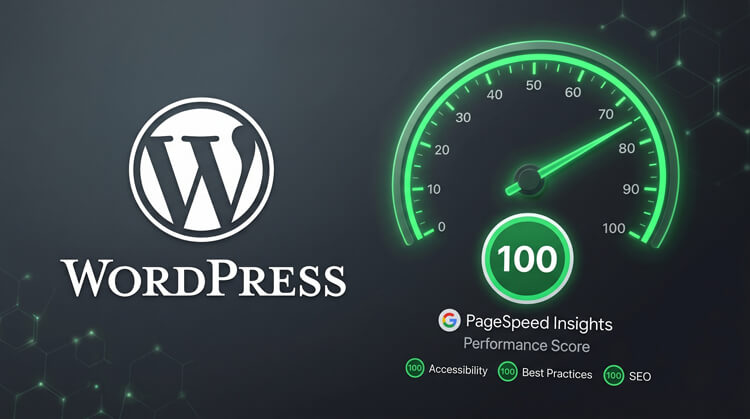
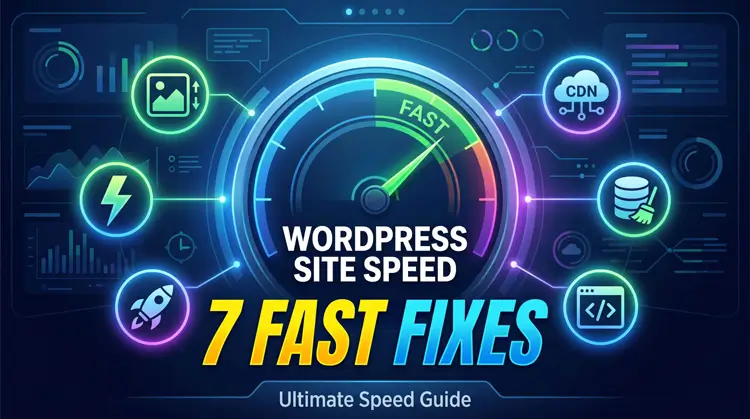
To effectively fix a slow WordPress site, you must enable object caching, convert images to WebP, use a global CDN, and reduce DOM bloat. These quick fixes relieve server stress and drop your load times instantly, keeping both readers and search engines happy.
Table of Contents
- Enable Page & Object Caching
- Compress Images & Use a CDN
- Tweak Media Lazy Loading
- Remove Unused Plugins
- Clean Your Database
- Update Your PHP Version
- Simplify Your Site Architecture
1. Enable Page & Object Caching
Caching saves a static snapshot of your site. This way, your server doesn’t have to work overtime building pages from scratch every time someone clicks a link.
- The Fix: Use basic page caching for standard blogs.
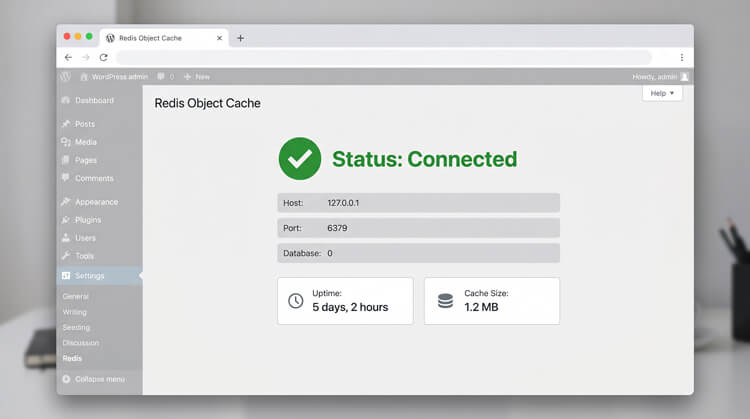
- The Pro Move: If you use dynamic builders, turn on object caching (like Redis). It remembers database queries, slicing backend load times down to milliseconds.
2. Compress Images & Use a CDN
Heavy images are the number one speed killer. If you want to fix a slow WordPress site, replacing massive JPEGs is the fastest way to see immediate results.
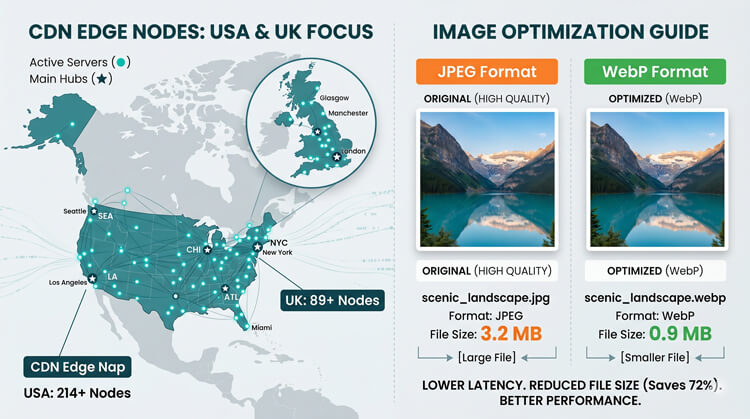
- Modernize Formats: Swap old JPEGs for WebP or AVIF files. They look just as good but are up to 34% smaller.
- Go Global: Hook up a Content Delivery Network (CDN) like Cloudflare. A CDN stores your files on servers worldwide, so a visitor in the UK downloads images from a UK server, not your origin server in the USA.
3. Tweak Media Lazy Loading
Lazy loading is a smart trick that delays loading off-screen images until a reader actually scrolls down to them.
- The Native Way: WordPress does this by default, but you need more control.
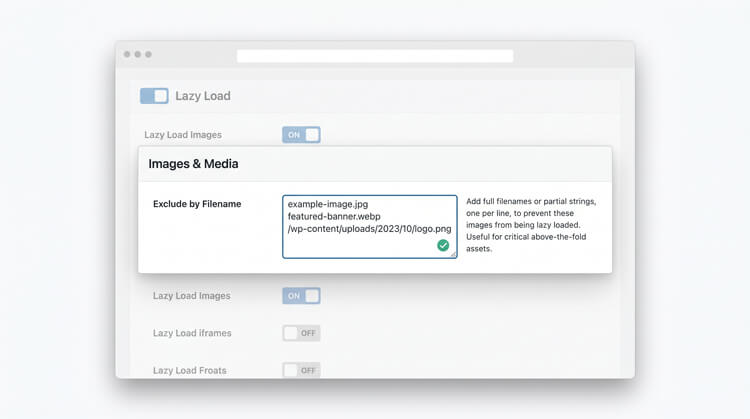
- The Fix: Use a plugin to turn off lazy loading for your top “hero” image. Preload that top image instead so your site appears fully loaded the second someone lands on it.
4. Remove Unused Plugins
Every active plugin adds extra code to your site.
- Trim the Fat: Delete absolutely anything you aren’t using.
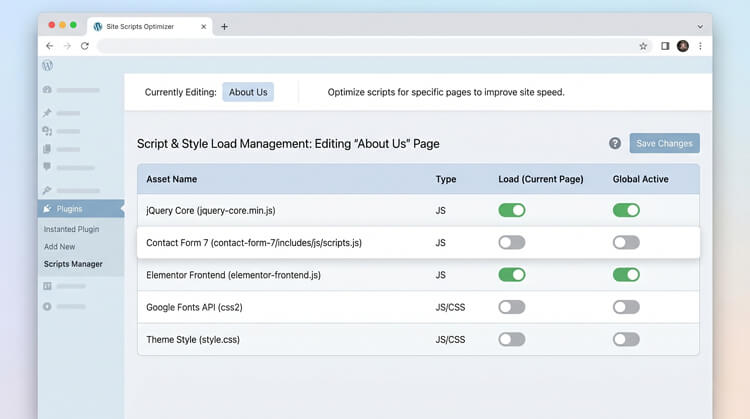
- Load Smartly: For the plugins you keep, don’t let them run everywhere. A heavy contact form script shouldn’t load on a standard blog post. Use asset managers to control exactly where scripts fire.
5. Clean Your Database
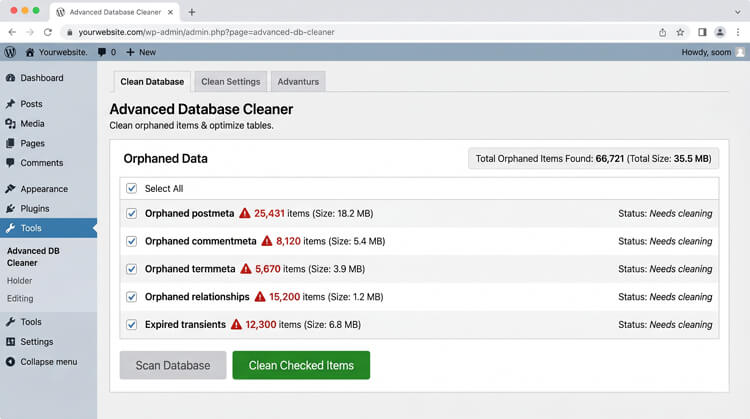
Think of your database like a digital filing cabinet. Over time, it gets stuffed with old post drafts, spam comments, and leftover plugin data.
- Target the Bloat: Deleted plugins often leave behind junk in your wp_options table.
- The Fix: Run a sweep with a database cleaner plugin to dump this orphaned data. This is an overlooked but vital way to fix a slow WordPress site, ensuring your server finds what it actually needs much faster.
6. Update Your PHP Version
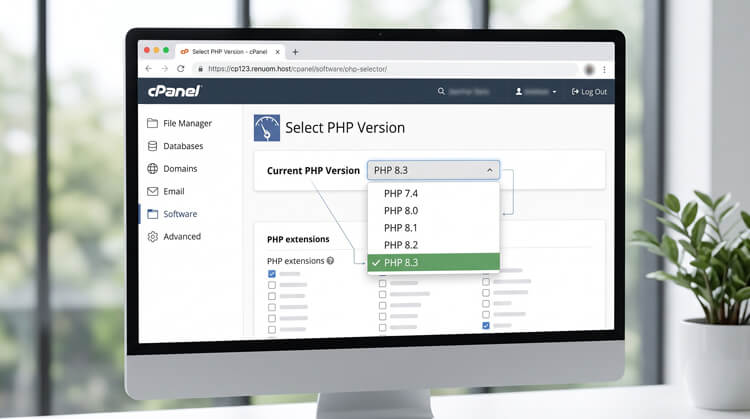
WordPress runs on a coding language called PHP. Using an old version is like putting an old engine in a new car.
- Speed Boost: Upgrading to the latest PHP release (like 8.2 or 8.3) via your web host’s control panel gives you an instant speed upgrade.
- Security: Newer versions handle traffic requests significantly faster and patch major security holes.
7. Simplify Architecture to Fix a Slow WordPress Site
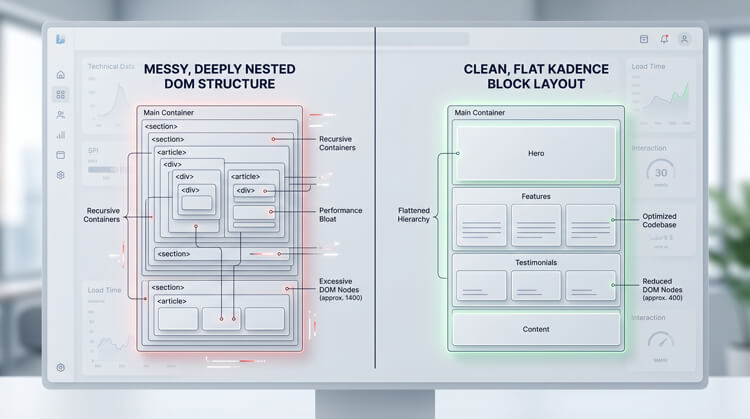
Complex visual builders can create a massive, tangled web of code behind the scenes (known as the DOM).
Stop Hiding Things: Building separate layouts for mobile and desktop forces the browser to load both. Stick to clean, responsive blocks to keep your site snappy.
Keep it Flat: Avoid stacking endless columns inside other columns.
Run a sweep with a database cleaner plugin to dump this orphaned data. This is an overlooked but vital way to fix a slow WordPress site, ensuring your server finds what it actually needs much faster.