1 Fast Way to Build Dynamic WP Sites (Kadence/JetEngine)
Looking for the absolute fastest way to build dynamic WP sites? You are exactly in the right place.
The absolute fastest way to develop database-driven WordPress websites is by combining JetEngine’s AI Command Center to handle the custom backend architecture with Kadence Elements to render lightweight, native Gutenberg front-end layouts. This eliminates code bloat and ensures you pass Core Web Vitals without needing custom PHP.
Let’s get straight to the point. The most efficient method to build dynamic WP sites today is by combining JetEngine’s AI-powered database builder with Kadence Elements. This specific combination allows you to create highly complex, scalable websites using native Gutenberg blocks.
It entirely eliminates the need for custom coding or heavy, slow page builders when developing custom WordPress sites. If you are an agency owner, a freelancer, or a developer, you already know the modern reality of web design. Clients demand lightning-fast loading speeds. Search engines demand you pass strict Core Web Vitals metrics.
Yet, whenever you set out to create dynamic layouts (like real estate directories, job boards, or team portfolios), you usually hit a wall. You either have to write custom PHP from scratch, which takes forever, or you rely on heavy builder plugins that ruin your site’s performance.
That old era is officially over. Here is the highly readable, step-by-step framework you need to radically speed up your workflow.
Table of Contents
- The Ultimate Stack to Build Dynamic WP Sites
- Key Benefits of This Modern Workflow
- Pro Tips to Develop Your Sites Like an Expert
- Frequently Asked Questions (FAQs)
- Conclusion
The Ultimate Stack to Build Dynamic WP Sites
If you want your website to rank on Google and provide a great user experience, you have to care about the code happening behind the scenes.
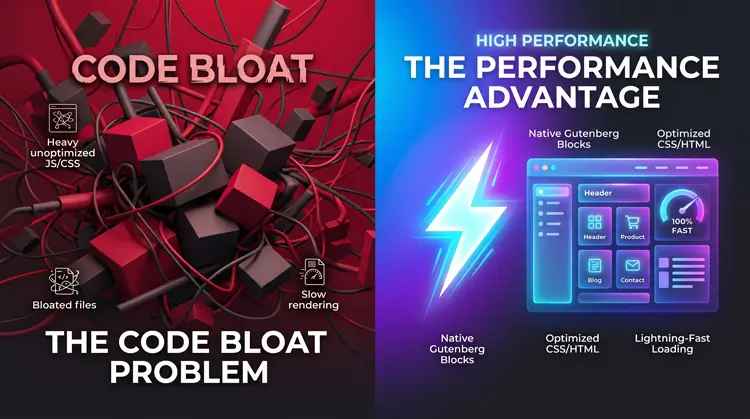
When you use old, legacy methods to build dynamic WP sites, you often stack multiple plugins together. You might use one plugin for Custom Post Types, another for custom fields, a heavy page builder to design the layout, and yet another plugin to filter the data. This creates massive “DOM bloat”—meaning there is simply too much HTML code for a browser to load quickly.

Here is why the Kadence + JetEngine stack is different:
- Native Gutenberg Rendering: Kadence uses WordPress’s native block editor. A page built with Kadence generates about 75% less code than the exact same layout built in older, heavy page builders.
- The All-in-One Backend: JetEngine replaces four or five different plugins. It handles your Custom Post Types (CPTs), meta fields, custom queries, and listing grids all under one roof.
- The Speed-to-Market: This stack prioritizes visual building. You don’t need to know PHP or SQL.
This is the exact framework top-tier agencies use to develop advanced WordPress websites profitably and efficiently.
Step 1: Architecting Your Database with JetEngine (No Code)

The very first phase when you build dynamic WP sites is setting up where your data will live. Think of this as laying the foundation of a house before you start picking out paint colors. You need Custom Post Types (like “Properties” or “Doctors”) and Meta Fields (like “Price,” “Location,” or “Phone Number”).
Instead of doing this the old-fashioned way, you can now use JetEngine’s built-in AI tools. For instance, when I recently set up a heavily dynamic, cinematic portfolio for a documentary director, I handled the entire database architecture directly from my Mac Mini M4 using this exact AI Command Center. Instead of manually linking custom fields for film credits and video URLs, you just type a simple, conversational prompt.
How to do it rapidly: Navigate to your JetEngine dashboard and open the AI Command Center. Type a simple, conversational prompt. For example: “I am building a real estate website. Please create a Custom Post Type for ‘Properties’ and include meta fields for Price, Square Footage, Bedrooms, Bathrooms, and a Gallery.”

Click generate. The AI instantly builds the entire backend structure for you. It ensures the data types are correct, making sure a price field is recognized as a number, not just text. Using AI to configure your database at this stage removes human error and cuts hours of boring setup down to literally seconds.
Step 2: Crafting the “Teaser” Cards (Listing Items)
Once your database is ready, you need to design the individual cards that users will see when scrolling through a list of your items. In JetEngine, this is called a “Listing Item.”
Think of a Listing Item as the small preview box on an Amazon search page. It shows a picture, a title, and a price.
Best Practices for Listing Items: Navigate to JetEngine > Listings to create this template. When prompted, you must choose to build this item using the Gutenberg editor. When developing database-driven WordPress websites using this modern stack, keeping things native ensures maximum speed.
Use simple text and image blocks, but click the dynamic data icon to pull your information directly from the JetEngine fields you created in Step 1. For SEO purposes, make sure the title of your listing card is an H2 or H3 tag. Never use an H1 tag inside a listing card, or you will confuse search engines when multiple cards load on a single page.
Step 3: Designing the Single Post with Kadence Elements

Now it is time to design the full page layout. This is the page a user lands on after clicking one of your teaser cards.
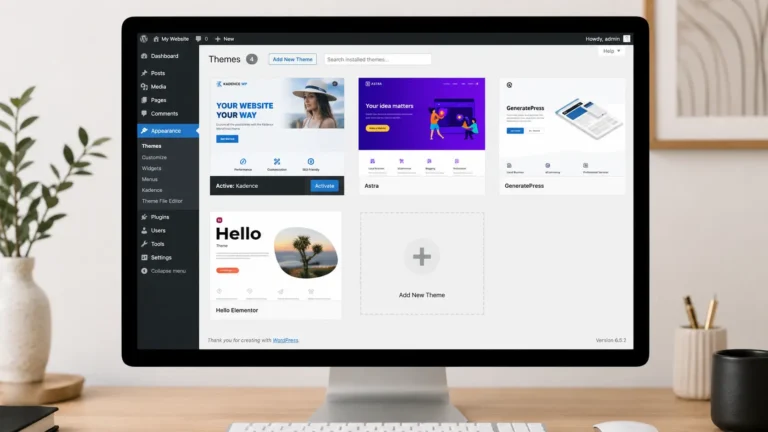
Go to Appearance > Kadence > Elements and create a new “Template.” This is why top freelancers use this method to build dynamic WP sites without burning out: you only have to design this page once. Kadence acts as a blueprint. You design the structure, and WordPress automatically applies that design to hundreds or thousands of future posts.
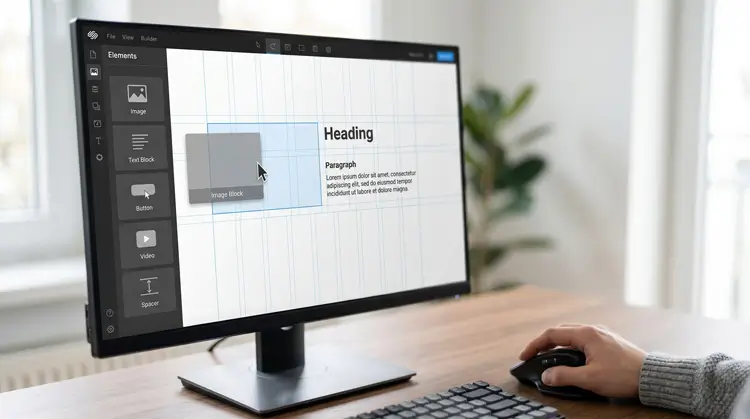
How to map the data visually: Add a Kadence Advanced Text block to your page. Click the small database icon in the toolbar. Select the exact JetEngine meta field you want to display, like “Property Price.”
When creating custom WordPress setups, not every single database entry is perfectly complete. Sometimes a client forgets to upload a “Virtual Tour” link. You do not want an empty, broken button showing up on the live website. JetEngine and Kadence allow you to set visibility rules. You can tell the website to only show a button if the field actually has a link inside it.
Step 4: Bringing It to Life with Grids and Filters
Your data is organized, and your templates are beautiful. Now, you need to display a searchable grid to your visitors.
Go to the page where you want your directory to live and add the JetEngine Listing Grid block. This block takes that small teaser card you built in Step 2 and loops it across the screen, populating it with all your database entries.
Search functionality is required if you want to build dynamic WP sites that actually keep users engaged. Integrate the JetSmartFilters plugin alongside your grid. This allows you to add dropdowns, sliders, and checkboxes so users can narrow down exactly what they are looking for without reloading the webpage.
Key Benefits of This Modern Workflow
Why should you abandon what you know and rely on this specific stack to develop database-driven WordPress websites?
- Unmatched Automation: JetEngine’s AI takes the heavy lifting out of database architecture. You skip the tedious, manual mapping process entirely.
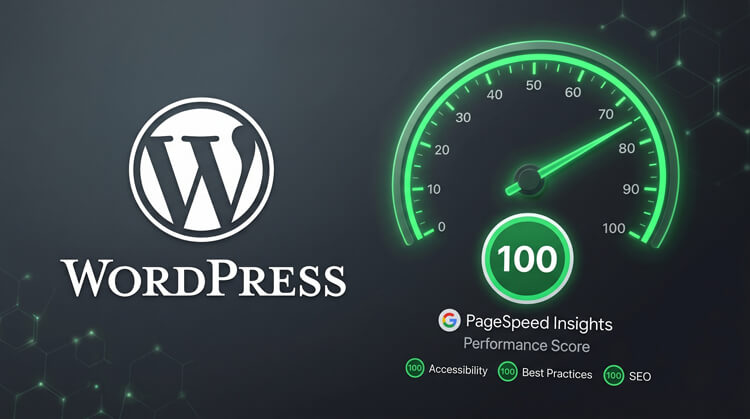
- Core Web Vitals Success: Kadence ensures your website loads incredibly fast. When dealing with media-heavy sites—like a documentary director’s portfolio I recently optimized—you have to be ruthless about speed. By pairing this lightweight Kadence/JetEngine stack with Cloudflare’s edge caching, I consistently get green scores on Google PageSpeed Insights, preventing the bloated HTML payloads that cause older websites to fail.
- Ultimate Scalability: You build your sites by creating smart blueprints. You put the hard work in once, and the system scales infinitely as your client adds more content over the years.
Pro Tips to Develop Your Sites Like an Expert
To truly master this workflow and separate yourself from average developers, keep these final strategies in mind:
Use the JetEngine Query Builder. Instead of relying on the default way WordPress searches for posts, use custom rules. You can create highly specific queries, such as showing only properties in Florida that cost less than $500,000. This runs much faster on the server.
Always optimize images at the source. Since you will be developing websites that rely heavily on user-uploaded photos, you must control image sizes. Use an image optimization tool to force all uploads to convert to the modern, lightweight WebP format automatically.
Frequently Asked Questions (FAQs)
Conclusion
When you set out to build dynamic WP sites, your primary goals should be speed, scalability, and ease of management. The combination of Kadence Elements and JetEngine delivers on all three fronts perfectly.
By utilizing AI for your backend database architecture and lightweight Gutenberg blocks for your frontend design, you future-proof your websites against algorithm updates and strict performance metrics.

Stop wasting time wrestling with code bloat and overlapping plugins. Adopt this streamlined workflow today, and you will develop database-driven WordPress websites faster, cleaner, and more profitably than ever before. Ensure you always test your final grids on mobile devices and keep your images compressed, and your new dynamic directory will perform flawlessly.