7 Proven WordPress lead generation Tips
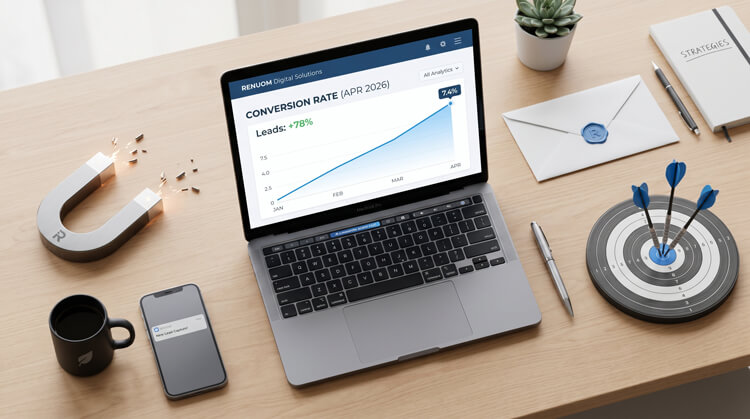
Mastering WordPress lead generation is easier than you think. By combining high-value offers with smart popups, clean landing pages, and fast loading speeds, you can passively convert casual readers into qualified leads around the clock.
Traffic without conversion is just a vanity metric. You can rank on the first page of Google, drive thousands of visitors from social media, and still end the month with an empty pipeline.
The average global website conversion rate is a modest 3.68%. That means out of every 100 visitors, over 96 leave without taking action.
However, top-tier websites routinely hit 11% or higher. They do this by building a frictionless ecosystem designed to extract contact info naturally.
If you want to stop bleeding traffic, here is the exact WordPress lead generation playbook to boost your conversions.
Table of Contents
- 1. Offer High-Value, Targeted Lead Magnets
- 2. Implement Behavioral Exit-Intent Popups
- 3. Build Dedicated WordPress Lead Generation Pages
- 4. Optimize Forms to Reduce User Friction
- 5. Leverage Interactive Quizzes and Calculators
- 6. Add Live Chat to Capture Leads 24/7
- 7. Showcase Social Proof Near Your CTAs
- Bonus: Essential Technical Optimizations
1. Offer High-Value, Targeted Lead Magnets
Most sites fail at WordPress lead generation right out of the gate by using the worst possible call-to-action: “Subscribe to our Newsletter.”
Users fiercely guard their inboxes today. They won’t hand over an email just for the privilege of getting your company updates.
Instead, offer a micro-commitment. Provide high-value, instantly consumable assets that solve a specific problem.
- The Logic: Target the user’s immediate pain point. Instead of a 50-page eBook, offer a one-page cheat sheet or a custom template.
- Actionable Step: Use plugins to gate these assets. Deliver the file instantly when they enter their email to build immediate trust.
2. Implement Behavioral Exit-Intent Popups
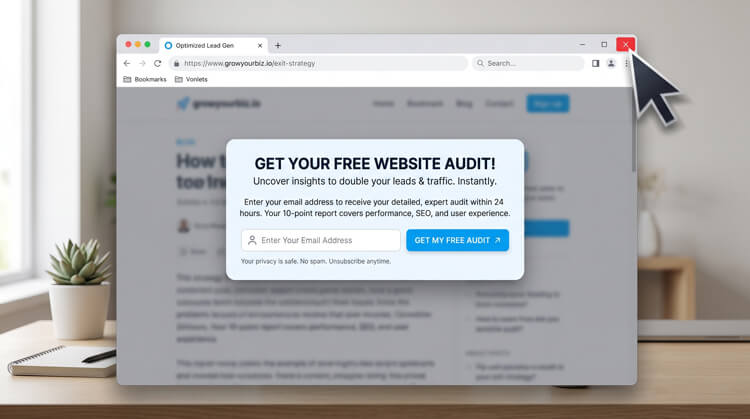
Popups have a terrible reputation because they are often deployed poorly. Hitting a user with a full-screen popup immediately guarantees a fast bounce.
Behavioral exit-intent technology changes the game. It tracks mouse movement and triggers only when the cursor signals the user is leaving.
- The Data: Strategically executed exit-intent popups convert at 2% to 4% and can recover 10% to 15% of abandoning users.
- The Logic: You have nothing to lose. Offering a relevant discount or free tool at that exact moment gives you one final chance to capture the lead.
- Actionable Step: Set a timing rule. Only trigger the popup if the user has been on the page for at least 30 seconds to target engaged readers.
3. Build Dedicated WordPress Lead Generation Pages
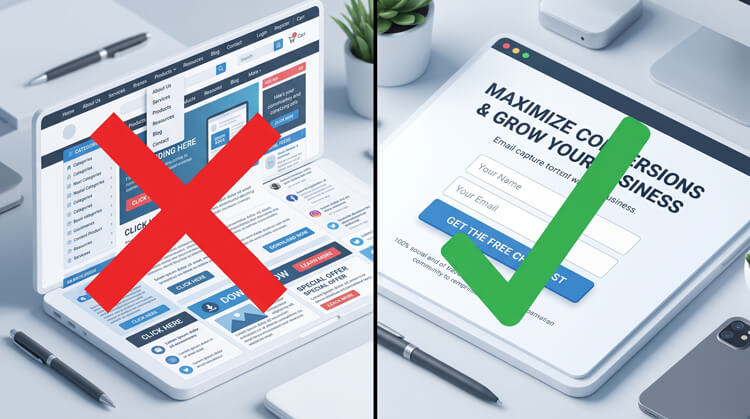
A massive mistake is sending paid traffic directly to your homepage. A homepage is just a directory full of distractions.
Effective conversion requires isolation. You need dedicated landing pages where the sole goal is capturing user data.
- The Logic: Follow the “One Goal, Zero Distractions” rule. If you give users ten links, they will click the one that takes them away from your form.
- Actionable Step: Use visual builders like Elementor, Kadence or Astra to strip away navigation headers and footers. Keep the focus entirely on a strong headline and the form.
4. Optimize Forms to Reduce User Friction
Long forms destroy conversion rates. Every extra field is another reason for the user to abandon the process.
If you ask a new visitor for their phone number, company name, and physical address, you are killing your own WordPress lead generation efforts.
- The Logic: You only need enough info to open a dialogue. A first name and an email address are usually enough.
- Actionable Step: Keep fields to a strict maximum of two or three. Always place these forms “above the fold” so users never have to scroll.
5. Leverage Interactive Quizzes and Calculators
Static forms feel like administrative work. Interactive content feels like a personalized game.
People inherently want to know more about themselves, their businesses, or their performance.
- The Logic: Embedding a quiz or calculator forces a series of micro-commitments. Users actively invest time into answering questions.
- Actionable Step: Gate the final result. Require an email address to see their customized score. Because they’ve already invested effort, conversions skyrocket, making this a hidden gem for WordPress lead generation.
6. Add Live Chat to Capture Leads 24/7
Static “Contact Us” pages are becoming obsolete. Modern users expect immediate answers, and waiting 24 hours kills their buying intent.
A live chat feature acts as an automated concierge for your WordPress lead generation strategy. It engages visitors exactly when their interest is highest.
- The Logic: A user lingering on a pricing page is actively considering a purchase. A chat widget asking if they need help feels like high-end service.
- Actionable Step: Set chat prompts to trigger on high-intent pages after a 30-second delay. Let the bot answer basic questions and capture emails for follow-ups.
7. Showcase Social Proof Near Your CTAs
Trust is the currency of conversion. Successful WordPress lead generation requires you to validate your claims before asking for contact information.
- The Data: 93% of consumers say online reviews impact their decisions. Adding testimonials to a page can boost conversions by over 30%.
- The Logic: Social proof alleviates last-minute anxiety. Seeing validation from others tips the scale in your favor.
- Actionable Step: Don’t hide testimonials on a separate page. Place real quotes or partner logos right next to your capture forms.
Bonus: Essential Technical Optimizations
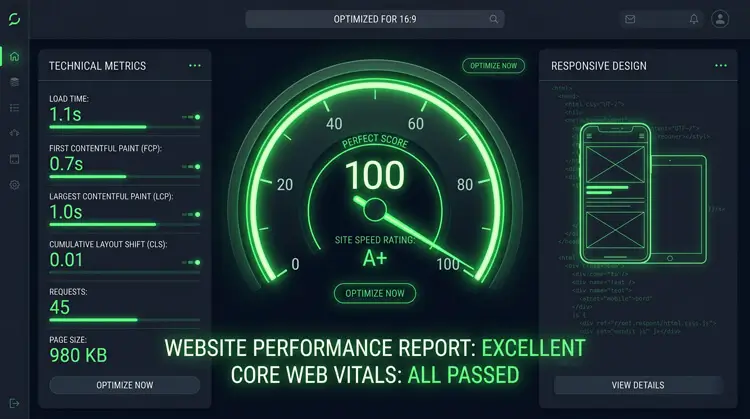
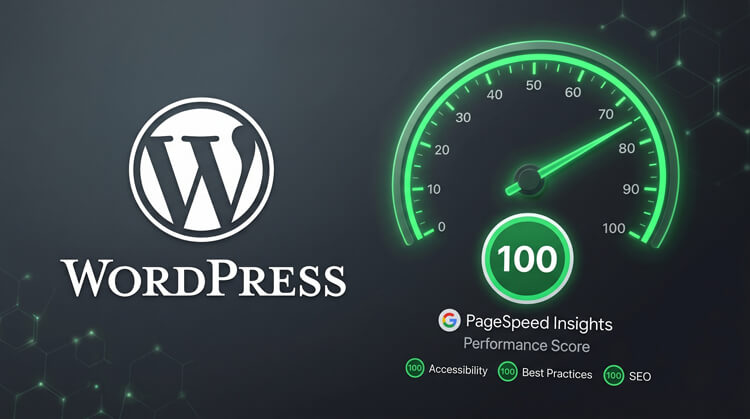
As a final pillar of WordPress lead generation, you cannot ignore technical performance. Search algorithms and users alike demand a frictionless, lightning-fast experience.
SEO Synergy: Optimize your metadata. This ensures your landing pages capture high-intent searchers actively looking for your exact solution.
Site Speed: A site loading in 1 second converts 3x higher than a site loading in 5 seconds. Use caching tools to minify code and boost speed.
Mobile Optimization: Over half of web traffic is mobile. Ensure your forms and popups are natively responsive so they don’t break smaller screens.